Platform · CMS & Player
The foundation, when you need it.
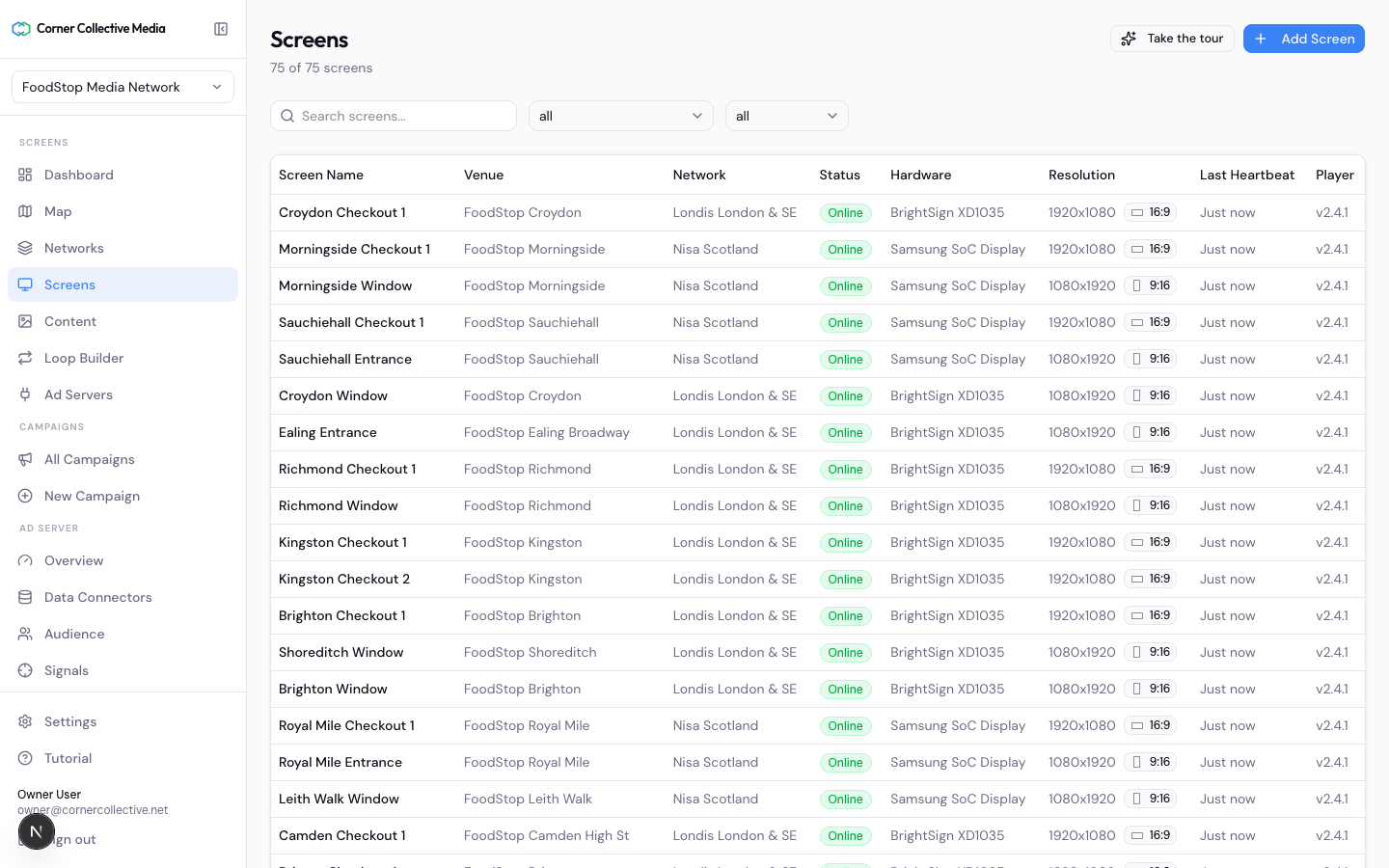
Most partners bring their own screens and CMS — that's the point of the platform. But when you're starting fresh, or your CMS has become the ceiling, ours runs the estate end to end: networks, venues and screens, loops and scheduling, creative management, device operations.
What it does
The console, in four parts.
- 01
Estate & content
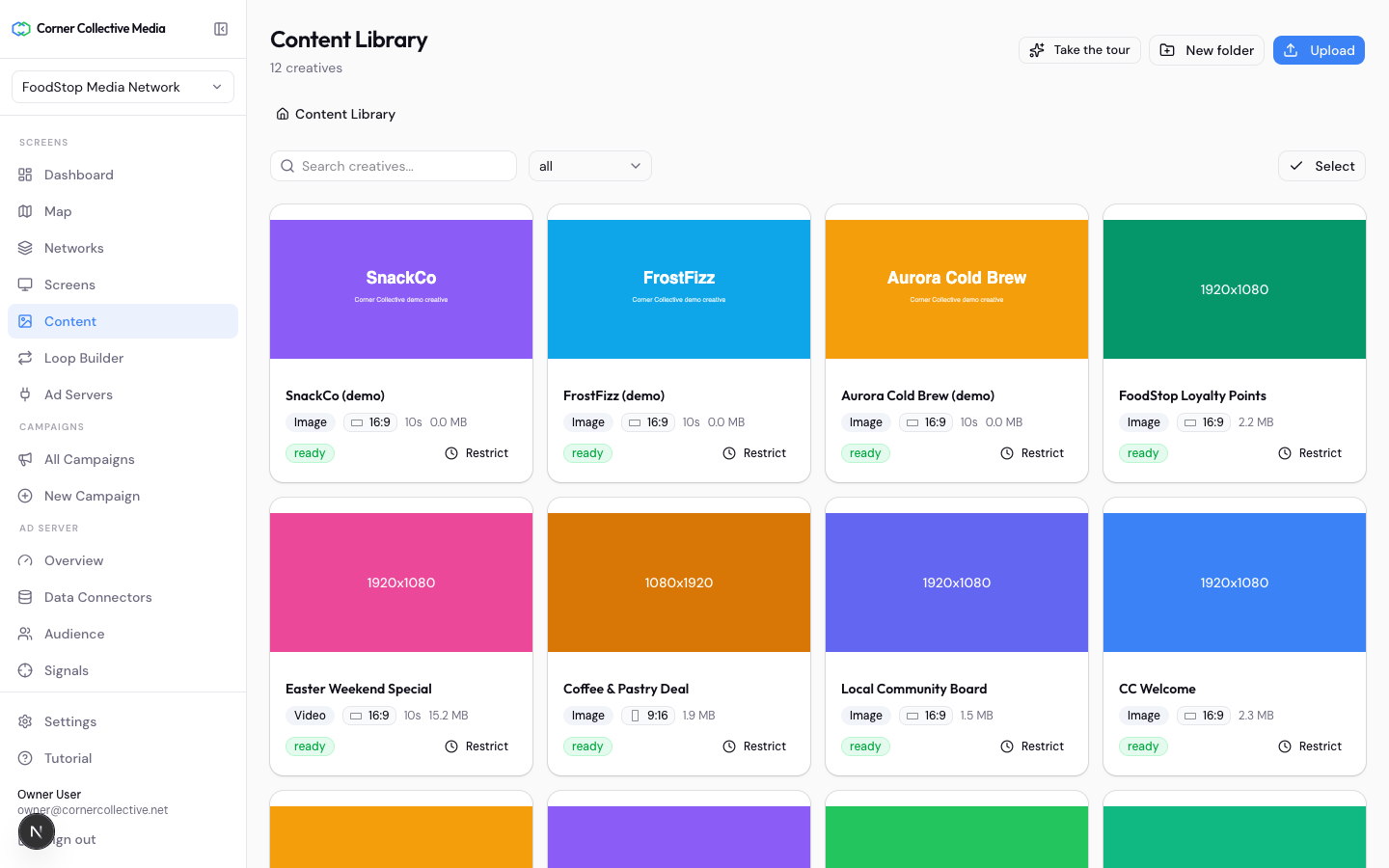
Model the physical estate once — networks, venues, screens — and schedule loops, dayparts and campaigns across it from one console.
- 02
Zero-install player
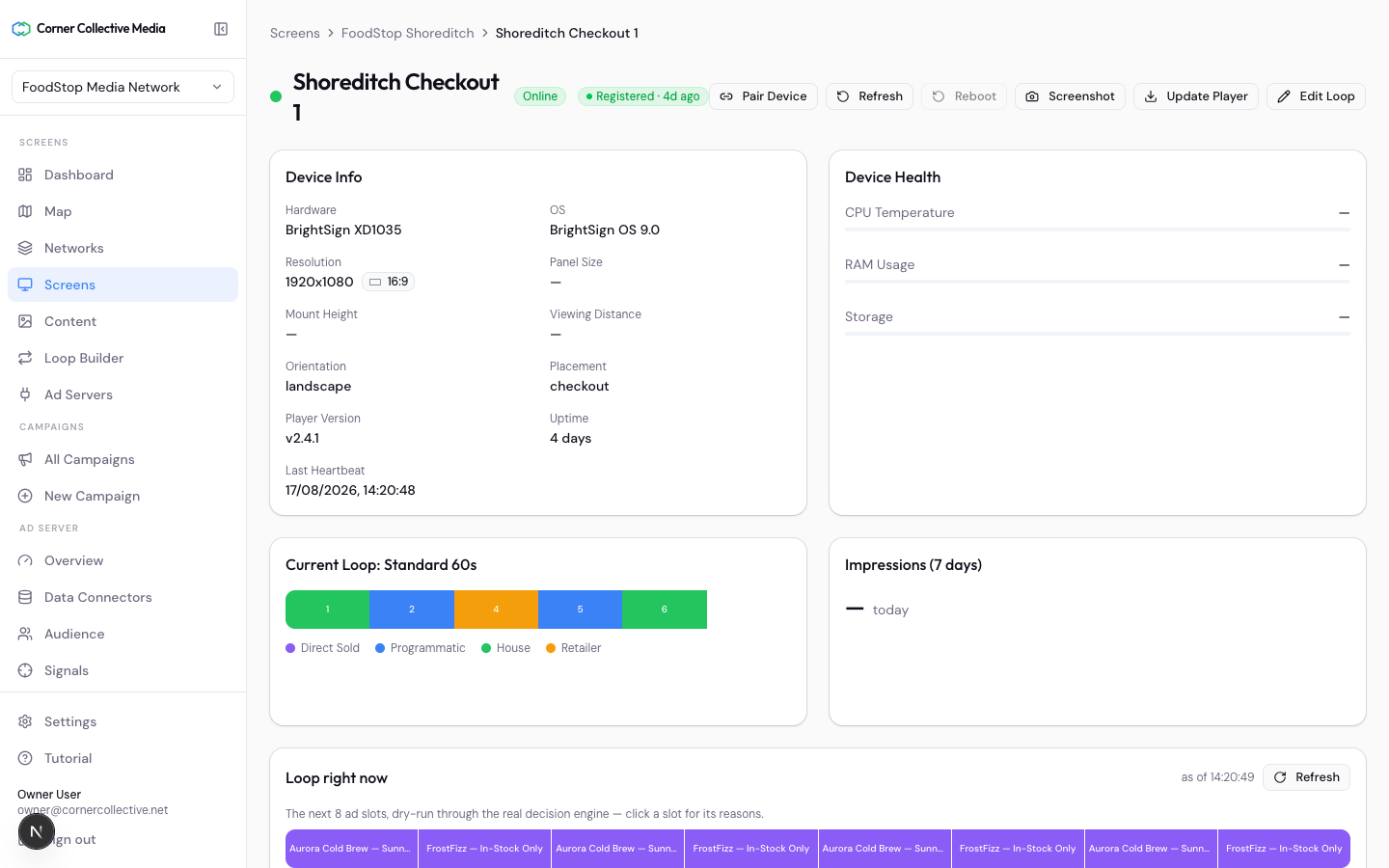
A web player that pairs with a code in a URL — any screen with a browser is live in minutes. Your own hardware and player? Integrate through the Device API instead.
- 03
Device operations
Heartbeats, remote refresh, content push, cache clear — fleet operations from the console, with an audit trail.
- 04
Proof of play, full fidelity
Every play device-confirmed and reported — the same evidence standard the ad server bills against.
No special case
It connects like everyone else does.
Our CMS talks to the ad server through the same public APIs a partner CMS uses — no private shortcuts. Choose it for what it does, never because you're locked into it.
register · request · confirm
Three identical connectors into one public contract. Ours is indistinguishable from a partner's, which is the point.